
Photo Wallpaper Maker
Turn your photo into a wallpaper
Upload a photo and tell Ringzi how to transform it. Ringzi keeps your subject recognisable and builds a full-screen phone wallpaper around it.
Ways to transform your photo
Creating a wallpaperYour lock screen is about to get interesting.
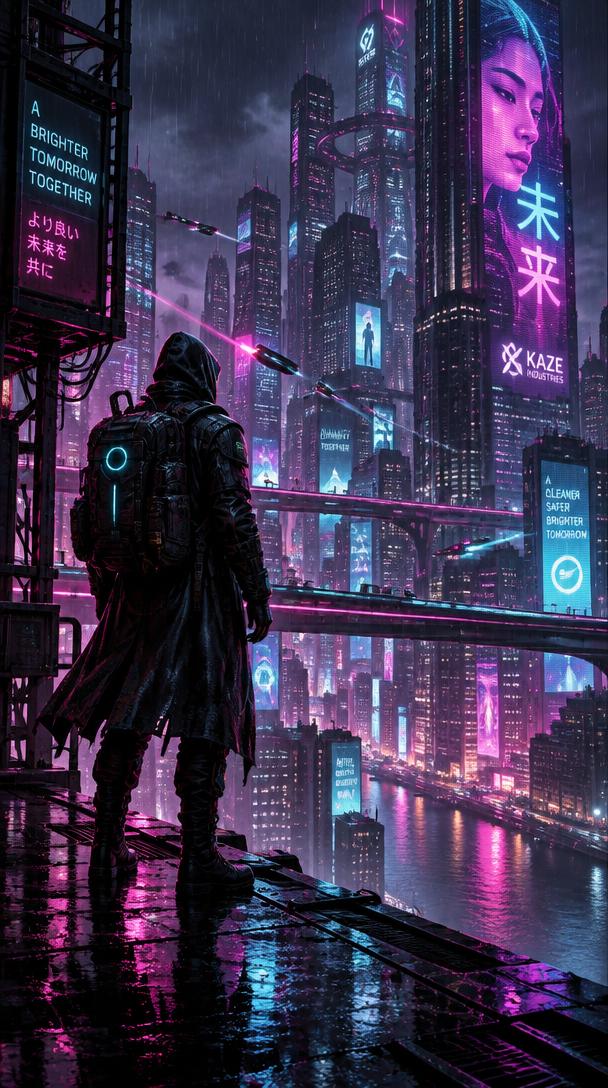


Create Your AI Wallpaper
Describe anything you can imagine — or transform one of your own photos.
Ringzi My Photo
Upload a photo and tell Ringzi what you'd like to do with it.
Your photo stays private. Only use photos you have permission to use.
Free to try · No account or credit card needed to see it.
Popular photo wallpapers
Pets
Turn your dog or cat into the star of your Lock Screen.
People you love
Give a favourite photo of your partner, kids or friends a new look.
Places
Restyle a travel snap into art for your phone.
How it works
- 1
Upload a photo from your phone or computer.
- 2
Describe the look you want, or tap an idea.
- 3
Ringzi creates the wallpaper — save it and set it on your phone.
Questions
Which photo types can I upload?
JPG, PNG, WEBP and iPhone HEIC photos. Ringzi converts and resizes them automatically.
Will Ringzi keep my subject recognisable?
Ringzi is instructed to preserve your main subject while changing the style and background. Results can vary, so you can try again with a different description.
Are my photos public?
No. Uploaded photos are stored privately with your Ringzi.
What if I don't have a photo?
Use the AI Wallpaper Generator and describe a scene instead.
Make more with Ringzi
Or see everything on the Ringzi home page.