AI Wallpaper Generator
Describe it. Wallpaper it.
Type any scene, style or mood and Ringzi creates a portrait phone wallpaper designed to fill your screen, with calm space at the top so your clock stays readable.
Tap a wallpaper idea
Creating a wallpaperYour lock screen is about to get interesting.
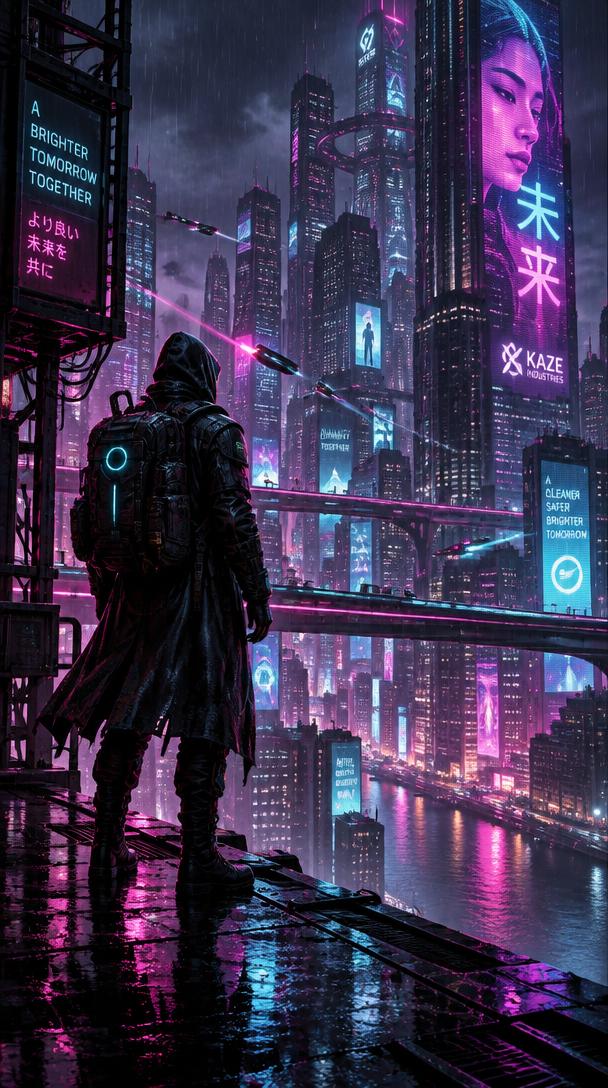
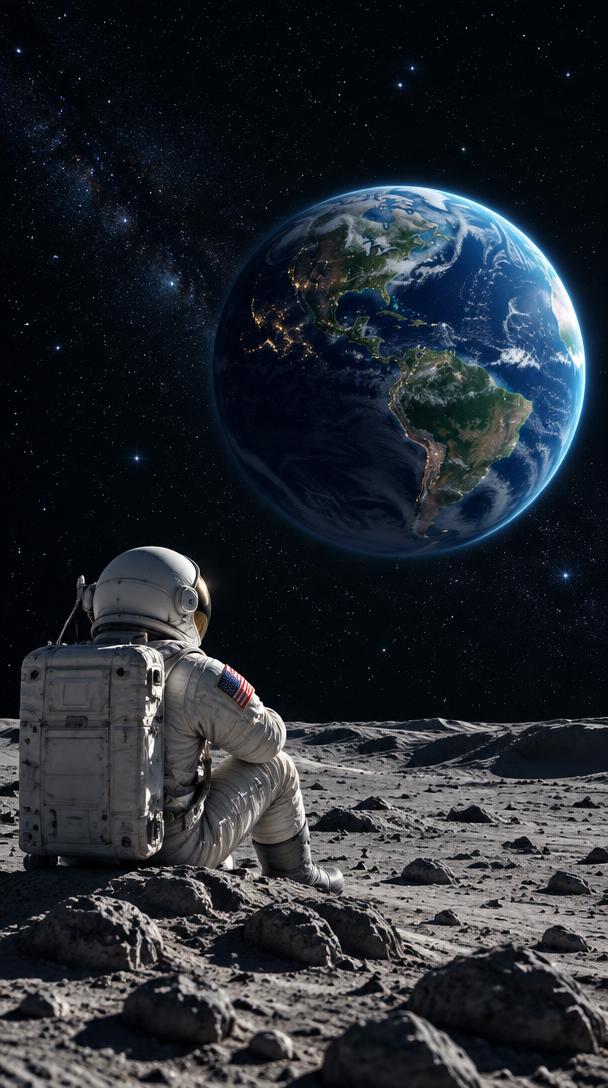

Create Your AI Wallpaper
Describe anything you can imagine — or transform one of your own photos.
Try an idea
Style (optional)
Free to try · No account or credit card needed to see it.
Why Ringzi wallpapers fit
Made for phones
Every wallpaper is portrait 9:16 and fills the whole screen — no phone mockups or borders.
Clock-friendly
Ringzi keeps the top area calm so the time and widgets sit cleanly over it.
Pick a style
Choose a look such as Cinematic, Fantasy or Minimal, or leave it on Auto.
How it works
- 1
Describe your wallpaper or tap an idea.
- 2
Ringzi creates a full-screen portrait image.
- 3
Save it to your photos and set it as your Lock Screen and Home Screen.
Questions
What size are the wallpapers?
Portrait 9:16, made to fill a modern phone screen.
Can I turn my own photo into a wallpaper?
Yes — use Ringzi My Photo. See the Photo Wallpaper Maker for ideas.
Will it cover my apps and widgets?
No. A wallpaper sits behind your apps and widgets; they stay where they are.
Can I add text to the wallpaper?
Ringzi focuses on artwork. Exact text is best left out of AI images, which is why widgets render text separately.
Make more with Ringzi
Or see everything on the Ringzi home page.